
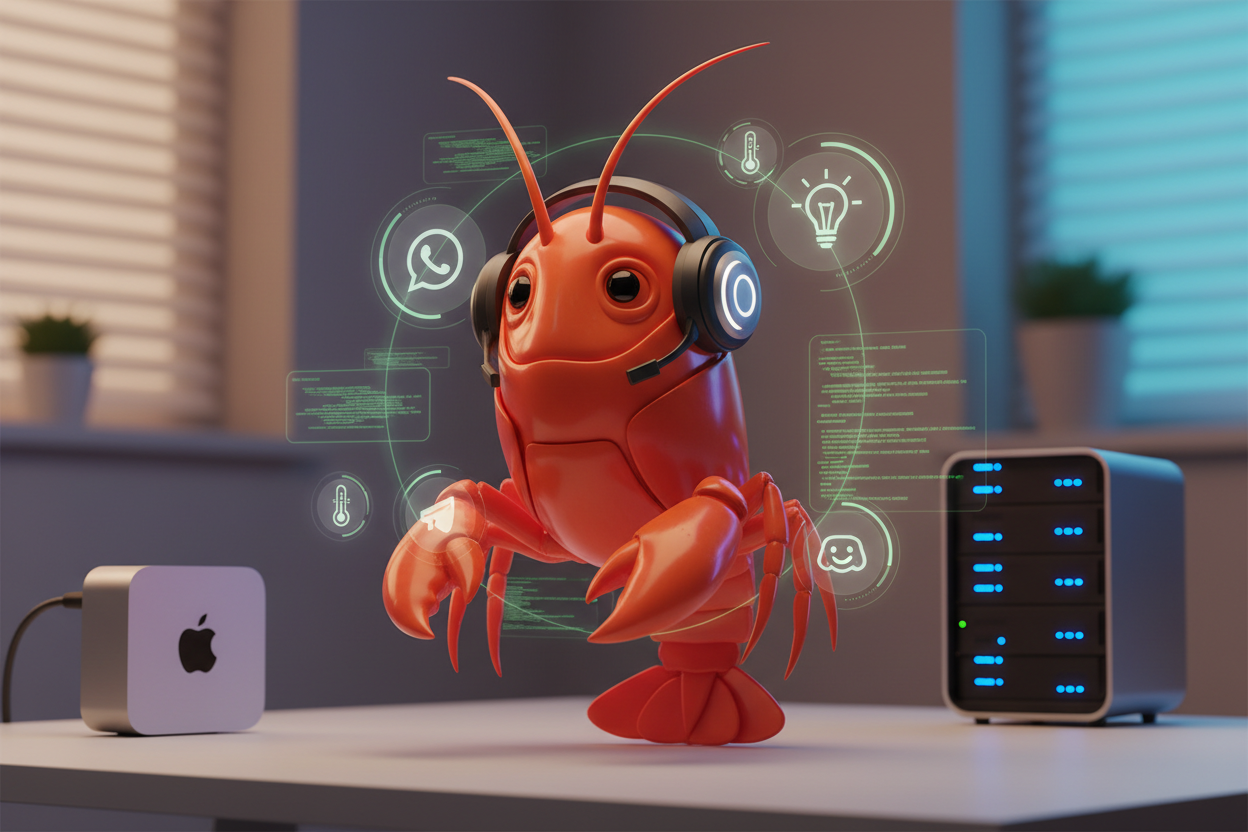
In late 2025, an Austrian developer released a side project that would become one of the most talked-about AI tools of 2026. OpenClaw—originally named Clawdbot before a trademark dispute with Anthropic—has accumulated over 100,000 GitHub stars and spawned a global community obsessed with the idea of a truly personal AI assistant.
The pitch is simple: an AI that doesn’t just chat, but actually does things.
What Is OpenClaw?
OpenClaw is an open-source, self-hosted AI assistant that runs on your own hardware and connects to the messaging apps you already use. Unlike browser-based AI tools that live in a tab, OpenClaw operates at the system level—reading files, executing commands, controlling smart devices, and managing your digital life through WhatsApp, Telegram, Discord, Slack, Signal, or iMessage.
The project was created by Peter Steinberger, founder of PSPDFKit and a respected figure in the macOS development community. Steinberger built the initial version around his own AI assistant—a playful “space lobster” character that eventually became the project’s mascot.
The Name Game: Clawdbot to Moltbot to OpenClaw
The project’s naming history tells a story. Originally called “Clawdbot” (a play on Steinberger’s personal “Clawd” assistant), Anthropic sent a trademark request in January 2026 over concerns about similarity to their “Claude” AI. The project briefly became “Moltbot”—a reference to how lobsters shed their shells to grow—before settling on “OpenClaw” as the final, distinct identity.
The rebrand didn’t slow momentum. If anything, the controversy amplified interest.
Key Features
Local Execution: OpenClaw runs on your hardware. Your data stays with you—no corporate servers processing your conversations.
Persistent Memory: Unlike stateless chatbots, OpenClaw remembers your preferences, past conversations, and context across sessions. It learns how you work.
Multi-Platform Integration: Connect once, use everywhere. WhatsApp, Telegram, Discord, Slack, Signal, and iMessage all share the same assistant with unified memory.
System Access: OpenClaw can execute terminal commands, read and write files, browse the web, fill forms, and control smart home devices. It’s configurable—you decide what it can access.
50+ Integrations: Gmail, GitHub, Spotify, Philips Hue, Obsidian, Twitter, and many more. The community has built integrations for most major services.
Model Agnostic: While it works best with Claude (Anthropic’s API), OpenClaw also supports OpenAI’s GPT models and local models for those who want complete privacy.
Self-Improvement: Perhaps most intriguingly, OpenClaw can write and modify its own extensions—creating custom skills for tasks you do repeatedly.
How It Works
The architecture is straightforward: OpenClaw runs on a Mac Mini, VPS, old laptop, or Docker container. It connects to an AI provider (Anthropic, OpenAI, or local) and bridges to your messaging platforms through their APIs.
When you send a message, OpenClaw processes it with full context of who you are, what you’ve discussed before, and what tools are available. It can then take actions—sending emails, checking you in for flights, scheduling meetings, or running arbitrary commands.
The result feels less like talking to a chatbot and more like delegating to a capable assistant.
Why It Went Viral
Several factors drove OpenClaw’s explosive growth:
The Jarvis Fantasy: Everyone who watched Iron Man imagined having their own AI assistant. OpenClaw makes that tangible.
Open Source Trust: In an era of AI anxiety, running your own assistant on your own hardware appeals to privacy-conscious users and developers who want to understand what’s happening.
Social Proof: When tech leaders like David Sacks began sharing their setups, FOMO (Fear Of Missing Out) drove a wave of experimentation. The 8,900-member Discord community became a hub for troubleshooting and showing off workflows.
Timing: The project launched as AI agents became the dominant narrative in tech. OpenClaw arrived at exactly the moment people were asking “what comes after chatbots?”
Security Considerations
OpenClaw’s power comes with responsibility. The assistant requires significant system access to function—it can execute shell commands and modify files. This creates genuine security considerations:
- You’re trusting the codebase with root-level access
- Misconfigured gateways could create isolation vulnerabilities
- The AI can take actions with real-world consequences
The project is open source, so the code is auditable. But users should understand what they’re deploying before giving an AI agent the keys to their digital kingdom.
Getting Started
OpenClaw offers multiple installation paths:
- One-liner npm install for quick setup
- Git clone for developers who want to hack on the source
- Docker container for isolated deployment
- macOS menubar app (in beta) for the simplest experience
Typical hardware requirements are modest: a Mac Mini (~$599), a cheap VPS (~$5/month), or any computer you have lying around. You’ll need API credentials from Anthropic or OpenAI unless you’re running local models.
What’s Next
OpenClaw represents a broader shift in how we interact with AI. The chatbot era—where AI lives in a browser tab and forgets everything between sessions—is giving way to something more integrated. AI that lives in your operating system, remembers your context, and takes actions on your behalf.
Whether OpenClaw specifically becomes the standard or merely proves the concept, the direction is clear: the future of AI assistants is local, personal, and agentic.
The lobster has shed its shell. Now it’s growing.
OpenClaw is available at openclaw.ai and on GitHub. The project is open source under permissive licensing.